Home repair & maintenance
Small jobs, site visits, estimates, multi-visit work and completion review.

SERVICE BUSINESS SYSTEMS
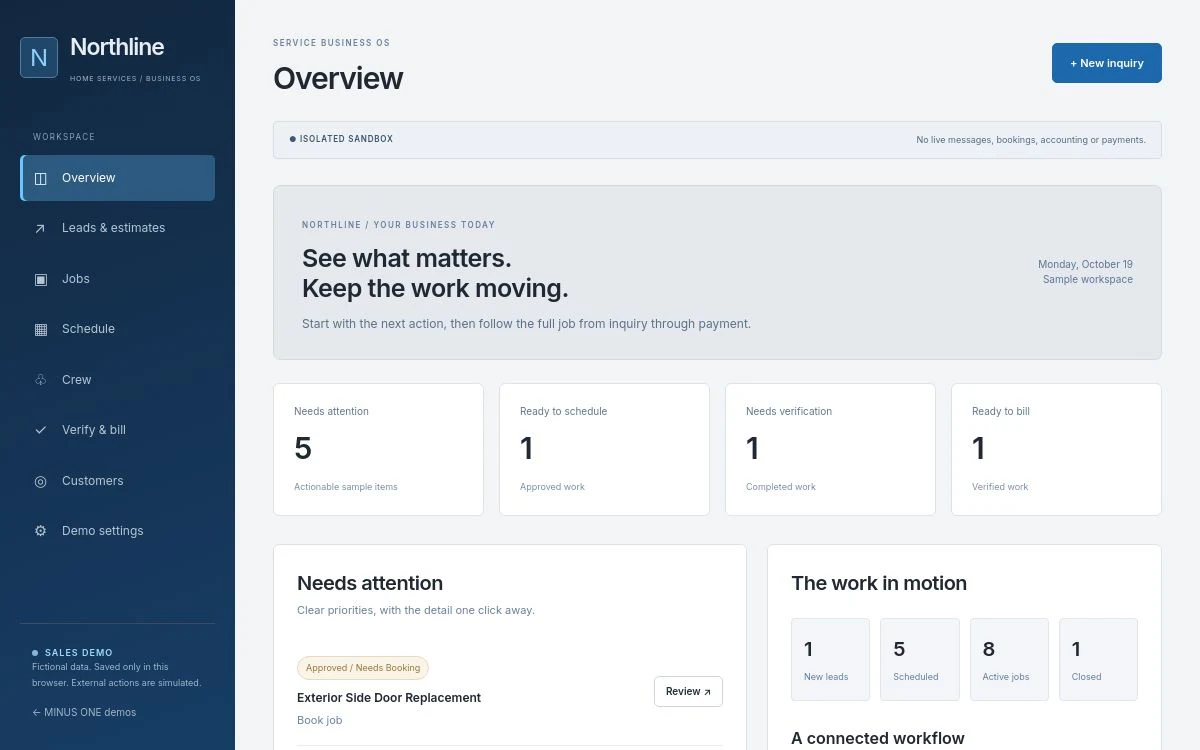
A business management app shaped around how your team quotes, schedules and delivers service—from the first call to the billing handoff.
BUILT FROM OPERATING EXPERIENCE
MINUS ONE began with systems built to help run Reno Repairs. That experience informs the service-business workflows here. The public demos use separate fictional records; your system would be configured around your own team, tools and process.
YOUR TYPE OF BUSINESS
These are examples of how we could tailor a service system. The demos below show the existing foundations.
Small jobs, site visits, estimates, multi-visit work and completion review.
Service calls, troubleshooting, scope changes, materials and return visits.
Recurring visits, seasonal work, property notes and crew schedules.
Measurements, estimates, parts status, installation dates and job readiness.
Customer bookings, provider assignment, locations and day-of updates.
Tell us how the work moves today and where the handoffs get stuck.
THE WHOLE WORKFLOW
Start with the pieces your business needs. Add depth as the workflow earns it.
Keep the request, customer, location and scope together. Give the next step an owner.
Prepare a clear scope, track decisions and carry the approved work into the job.
Coordinate the date, assigned crew, access notes and the details needed on site.
Give the field team a focused view for progress, notes, completion and return visits.
Review completed work and missing details before the office prepares billing.
Surface unassigned jobs, delayed decisions and completed work waiting on the next step.
OWNER
Priorities, job progress and exceptions without collecting updates from everyone.
OFFICE & OPERATIONS
Customer context, estimating, schedules, assignments and completion review together.
CREW & PROVIDERS
A focused field view with the scope, access notes and actions relevant to the job.
TRY THE EXISTING APPS
Working fictional demos. No customer messages, live invoices or payments are sent.
The office, the crew and the next job. Finally on the same page.
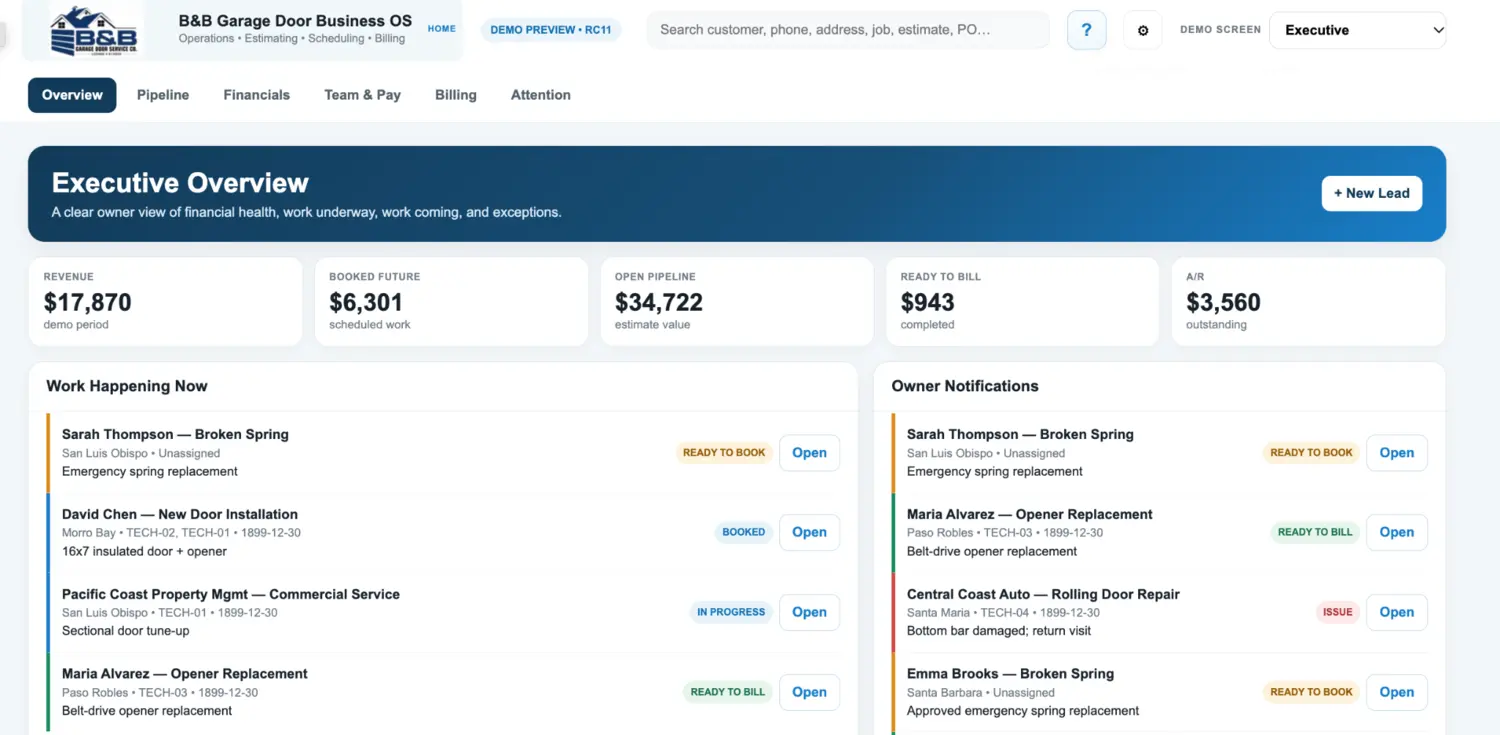
Follow the work from the first call to the final billing handoff.
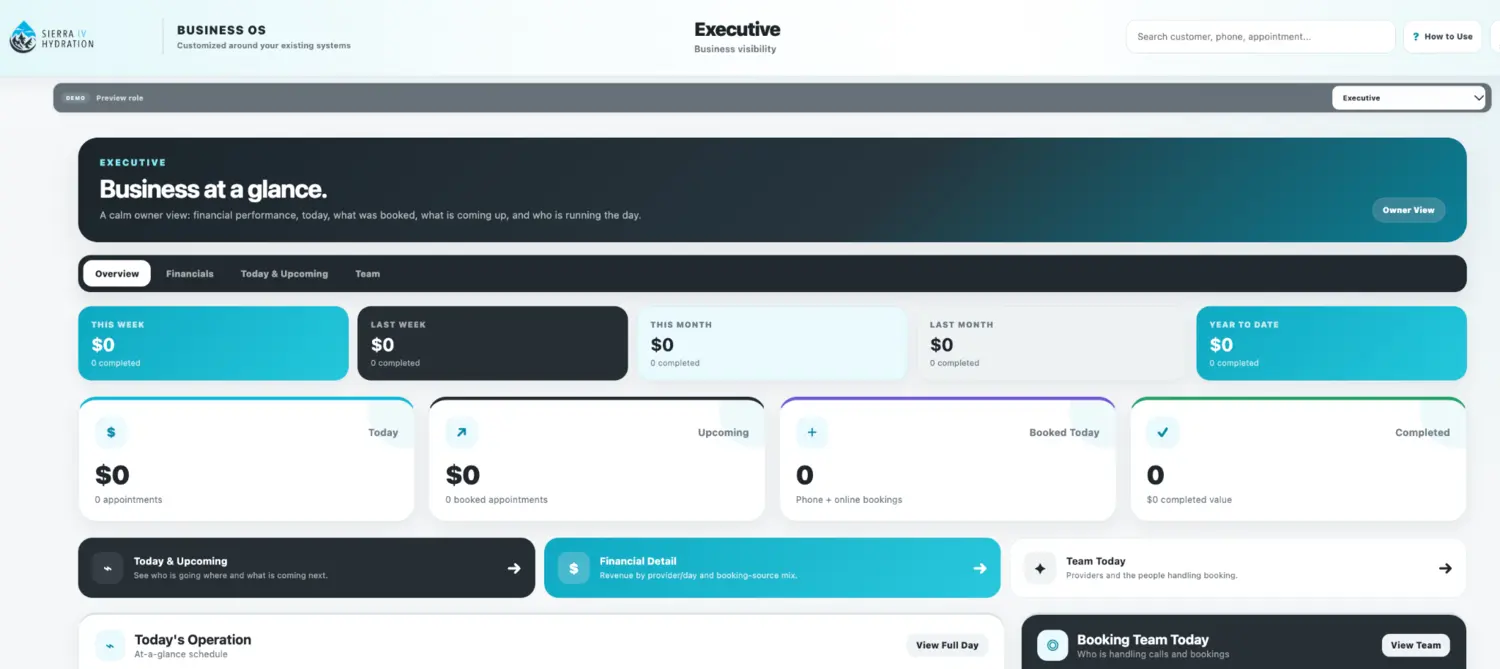
Explore the business through owner, operations and provider views.
KEEP THE TOOLS THAT WORK
We review your website, forms, calendar, spreadsheets and accounting process before proposing changes. A QuickBooks-style demo is not a live QuickBooks connection. Real integrations need your authorization, technical verification and testing.
Try a simple spreadsheet improvement →YOUR IMPLEMENTATION
YOUR BUSINESS. YOUR VERSION.
We’ll identify the right starting point. These examples are configurable foundations, not a promise that every trade-specific feature is already complete.